The photo comes by email or a plain file field
Many custom-product stores ask for the image after checkout, or accept a file with no checks at all.
Shopify app · in pre-launch testing
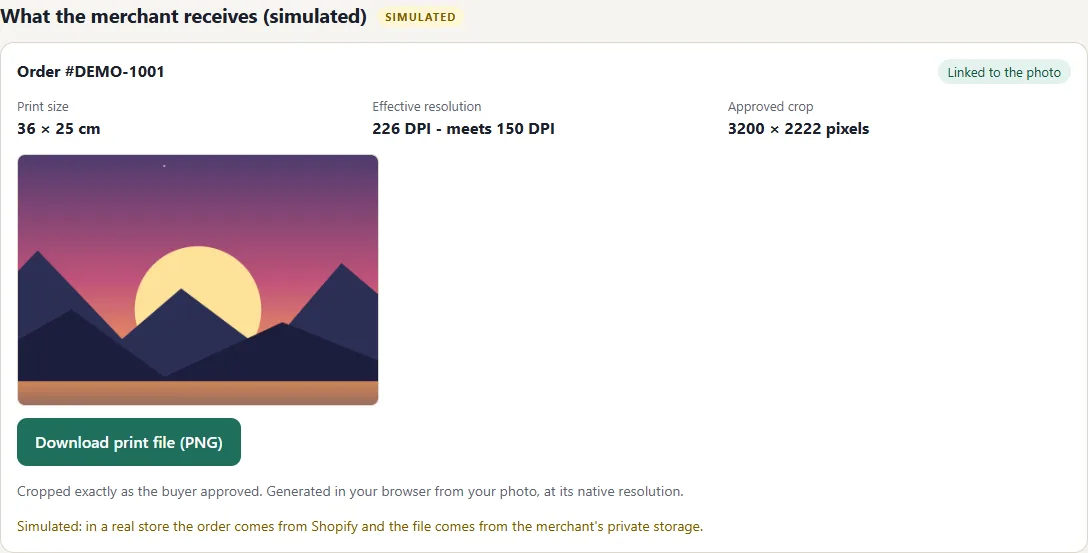
PrintFit lets a buyer add one photo to your product, shows exactly what will be printed, and warns them when the photo is too small for the size they picked. You get the file ready to print, cropped the way the customer approved.
The demo runs a simulated store with synthetic photos. Nothing is uploaded: your photo stays in your browser.
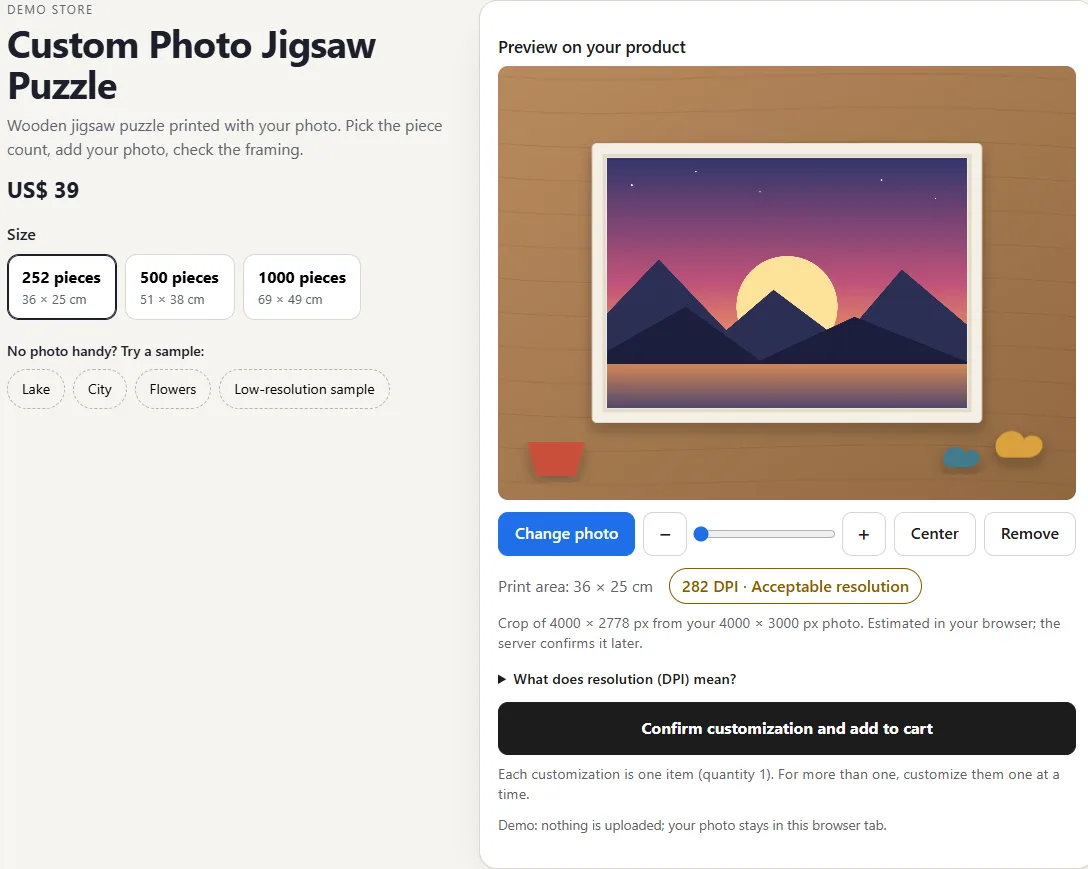
Many custom-product stores ask for the image after checkout, or accept a file with no checks at all.
The file has to be opened, judged against the print size, the crop agreed, and the customer's reply awaited.
When the problem only shows after printing, the cost is the merchant's and the disappointment is the customer's.
In the PrintFit block on your product page, the buyer chooses a JPEG or PNG. The photo is read in the browser first.
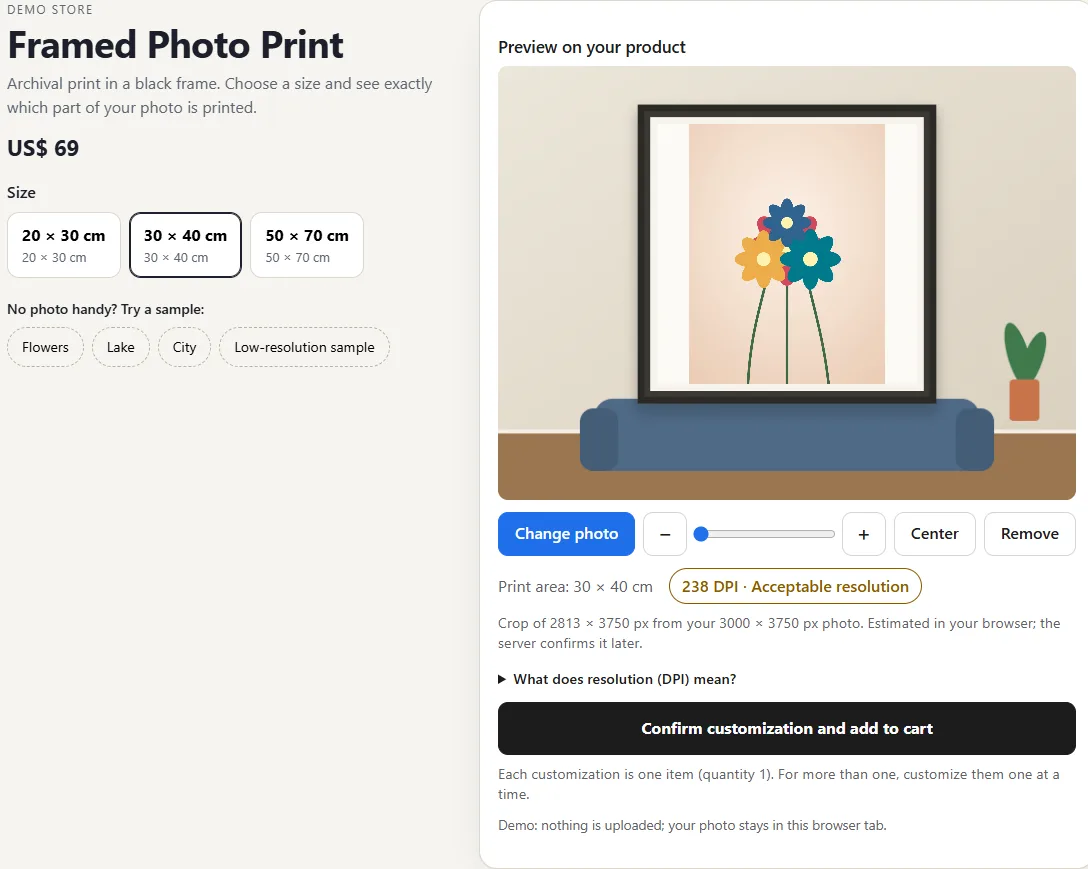
The frame shows exactly which part of the photo will be printed at that physical size.
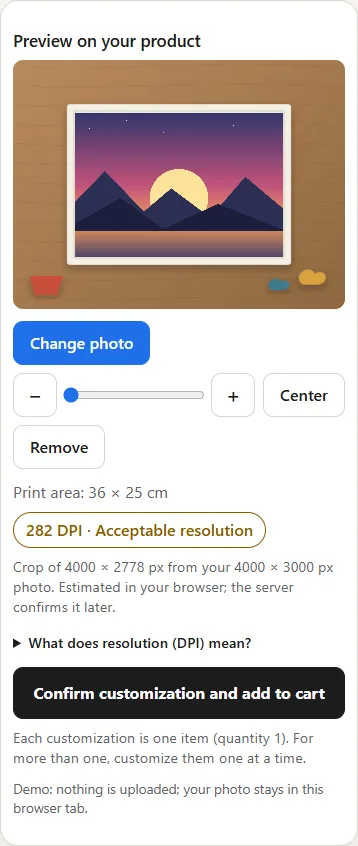
PrintFit calculates the effective resolution (DPI) for the chosen size. Below 150 DPI the confirm button stays disabled until the buyer picks another photo or size.
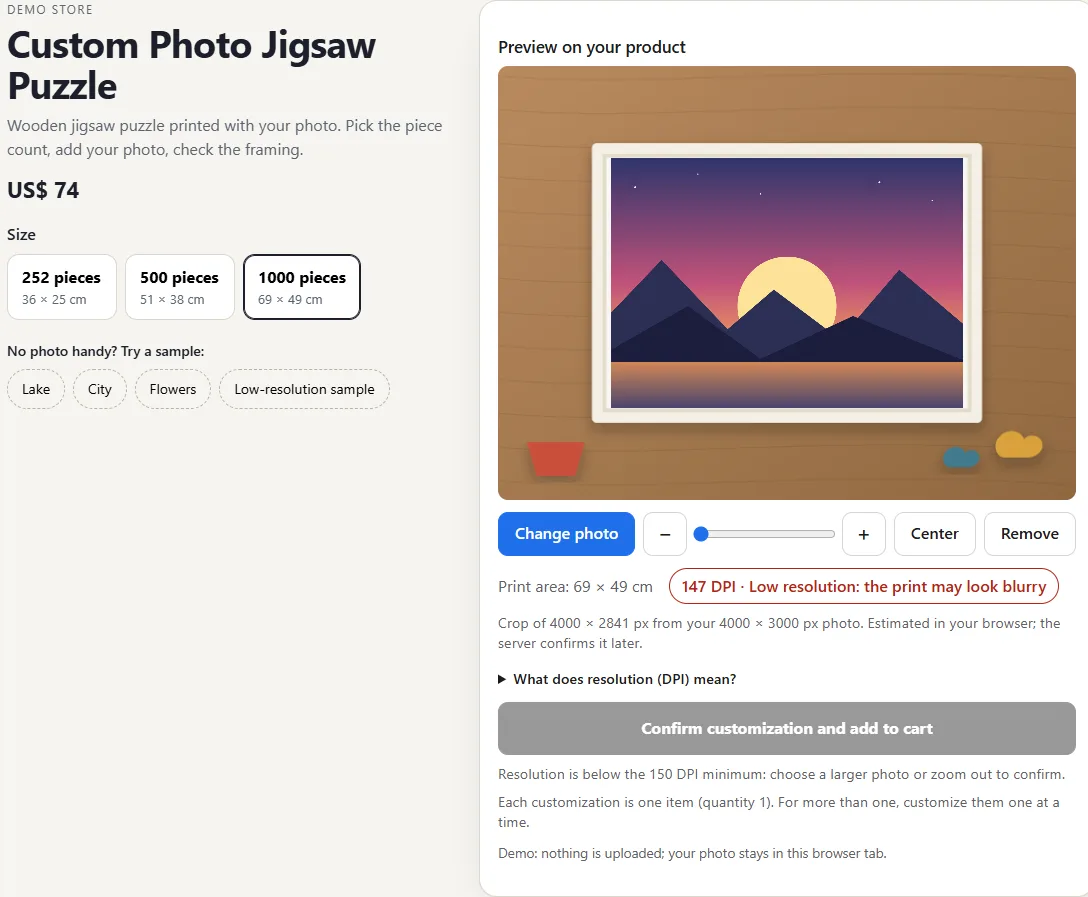
Everything above works today in the real component; that is what the demo shows.
If your store sells products printed with a customer's photo (puzzles, framed prints, canvas, plaques), we'd like to hear how you receive photos today and show the demo with your own sizes. We don't install on live stores yet; first we want to learn whether this solves a problem worth solving.
Not yet. It is in testing before launch and is not on the Shopify App Store. We are talking to stores about a pilot.
Shopify stores that print a customer's photo on a rectangular product: puzzles, framed prints, canvas, plaques and similar, with one physical size per variant.
In the demo no photo leaves the browser. In the app, the photo is only sent when the buyer confirms the customization and is kept in private storage with configurable retention. We handle Shopify's privacy webhooks.
It is an app block for Online Store 2.0 themes. It has been tested on a Shopify theme; we don't promise compatibility with every theme and would test yours.
We haven't set a price. In the pilot we want to learn what makes sense for your store.
The buyer sees the warning before confirming, and below 150 DPI for the chosen size they cannot confirm. Your own human review can stay for the cases you want to look at.